
Step 1: Start from words or a photo
Begin with a prompt for something brand new, or upload a photo when a face, product, or layout needs to lead the result.
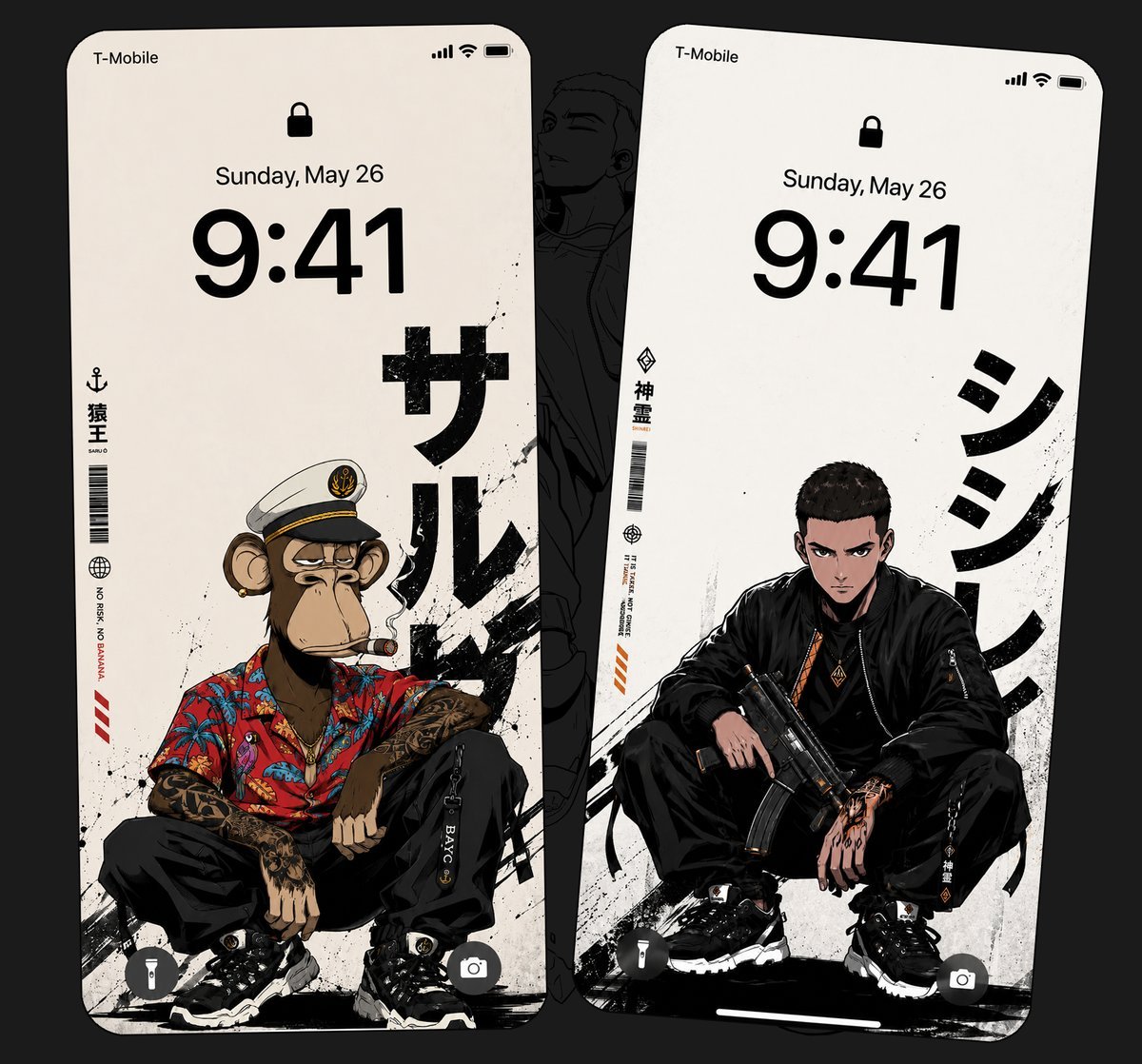
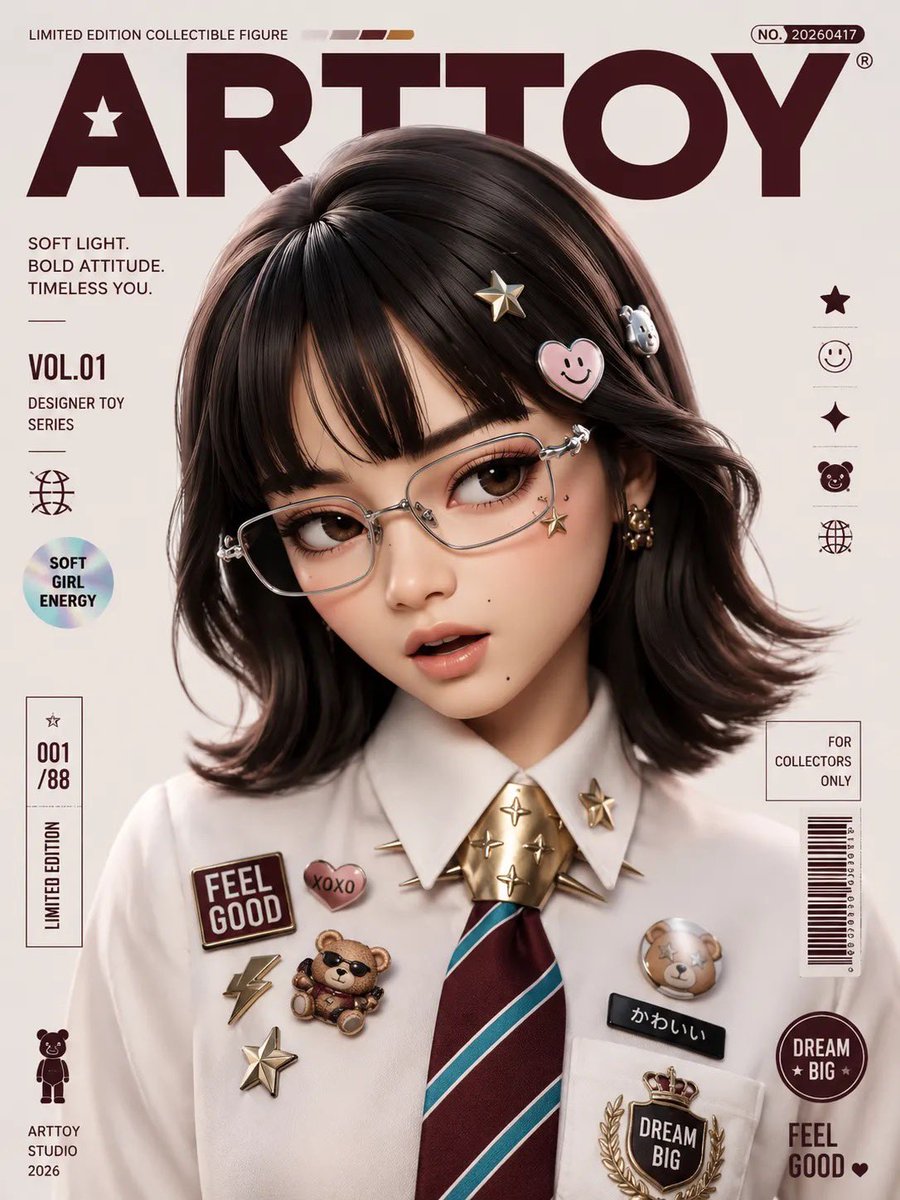
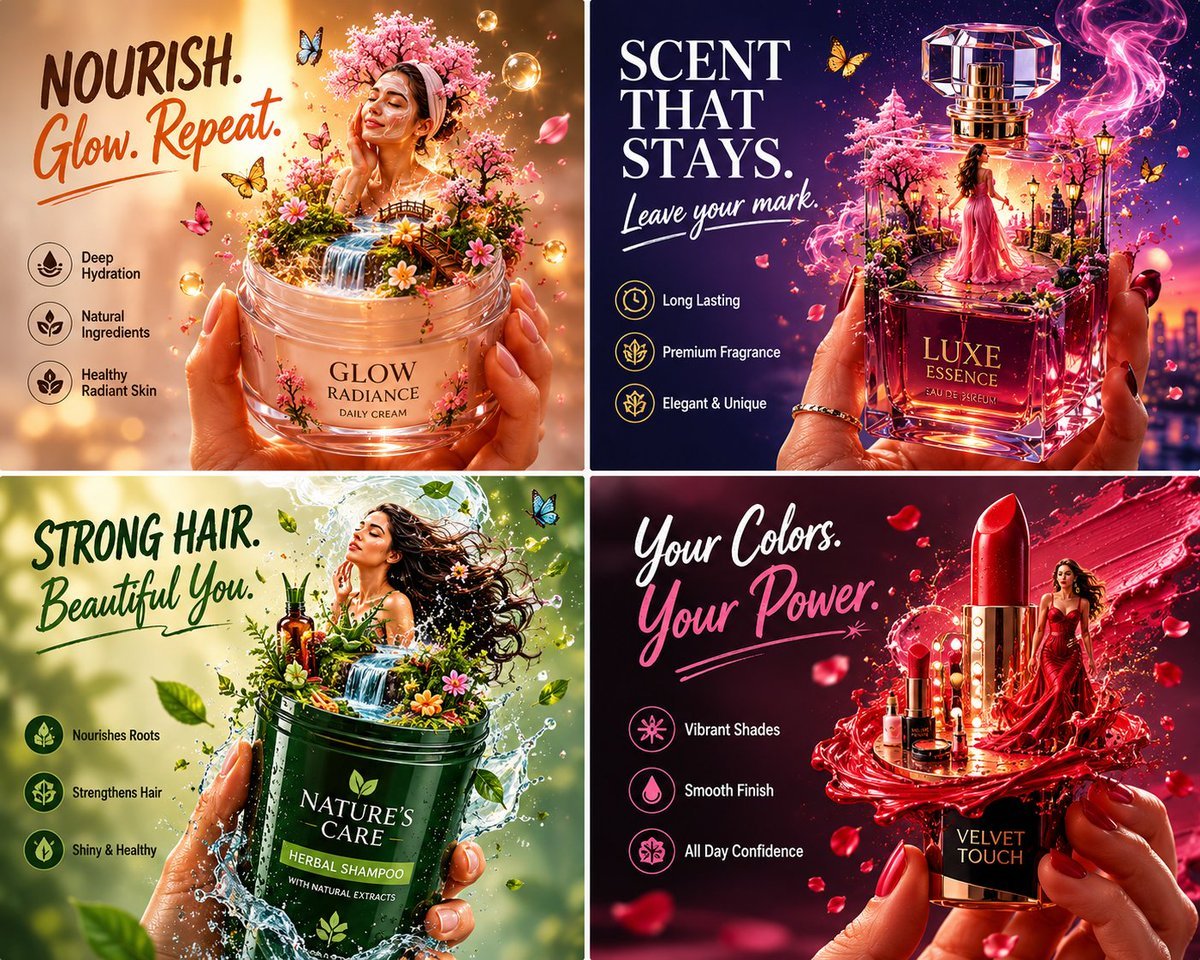
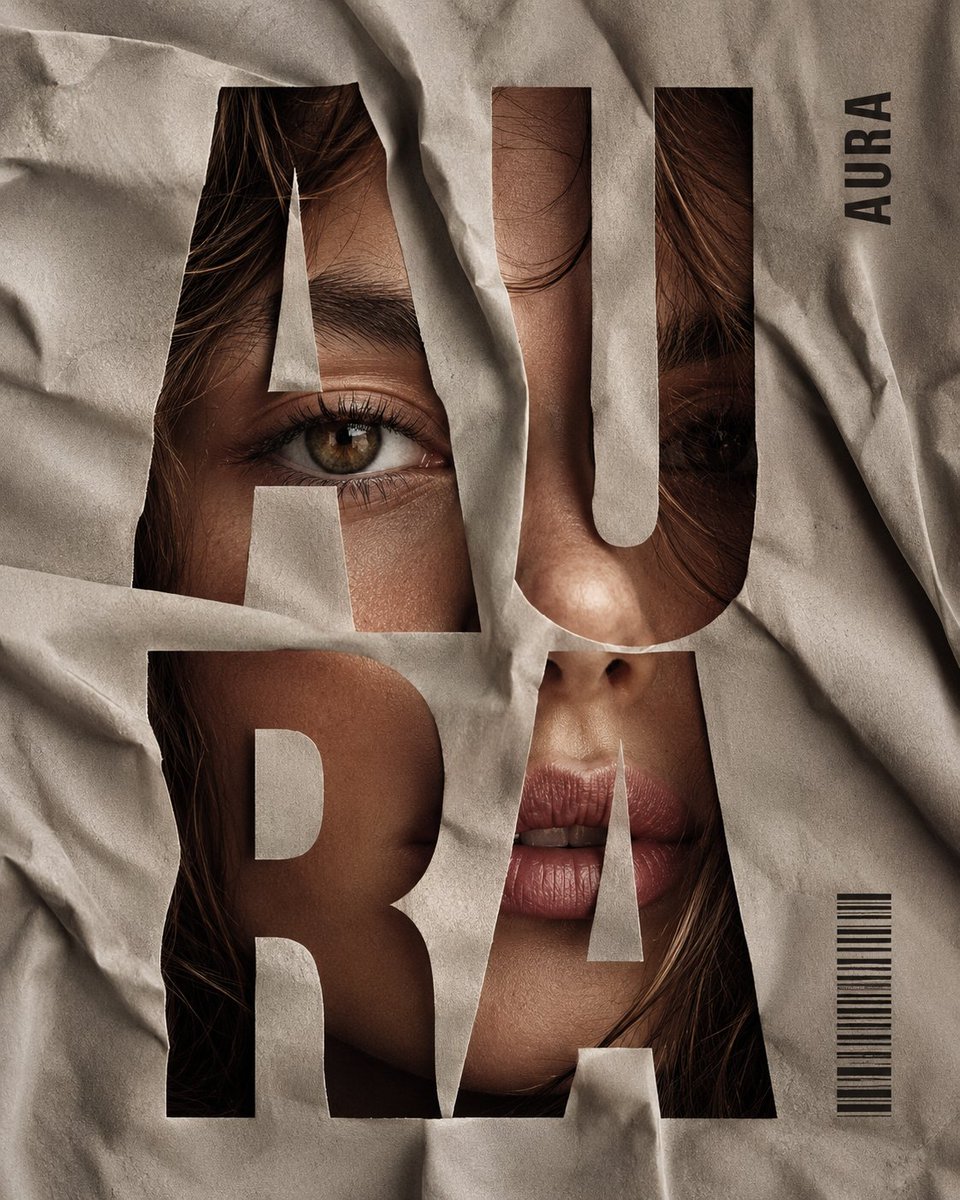
Create a polished editorial AI image with layered design objects, rich color, and a composition that feels ready for campaign review.
Upload a photo and change one thing with a sentence, or type a prompt to create from scratch — the AI image editor returns a finished, poster-ready result in seconds, with sharp faces, legible text, and consistent characters. Free to start; failed renders come back to your balance.
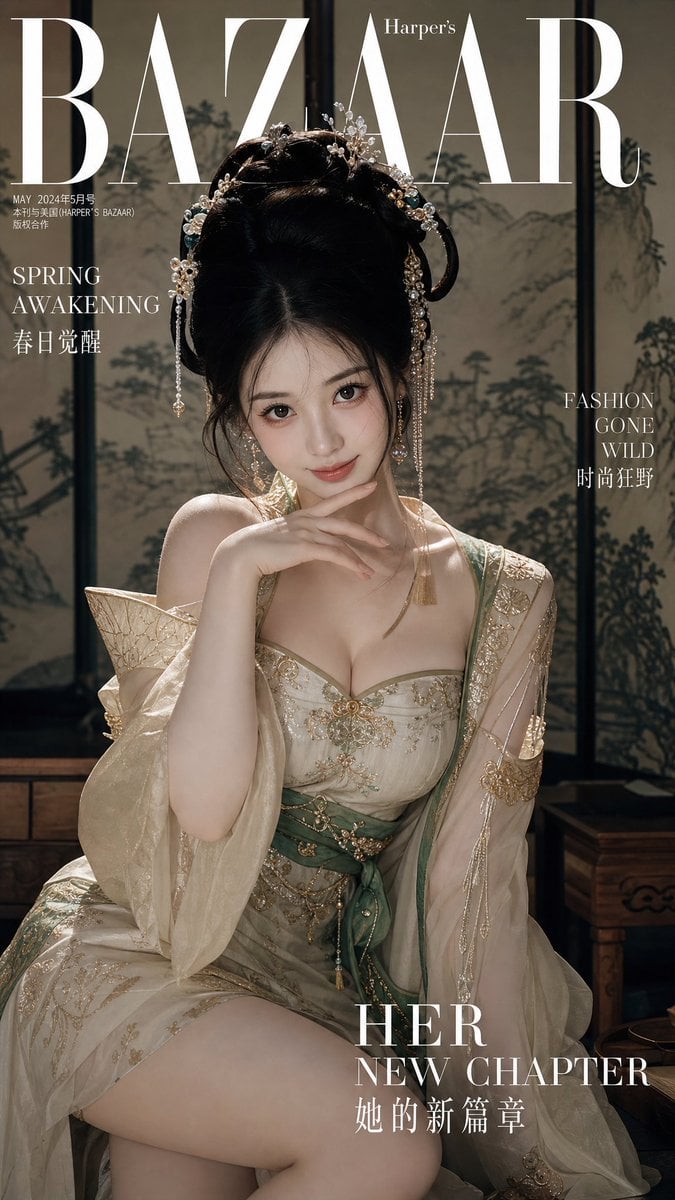
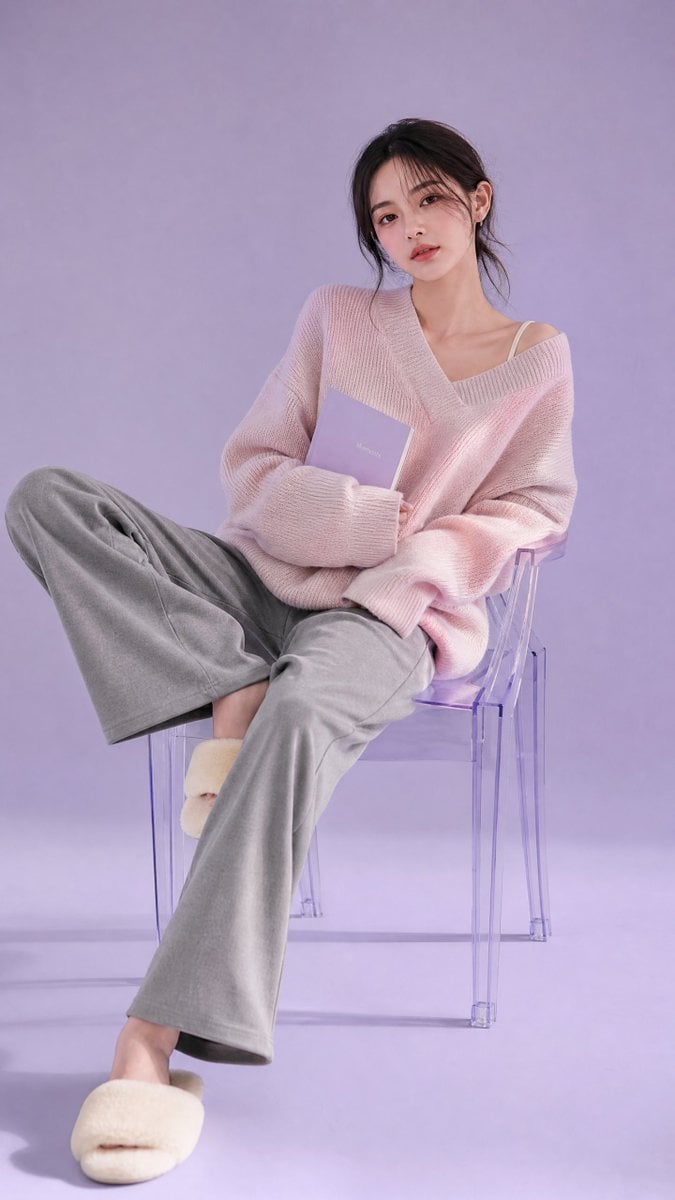
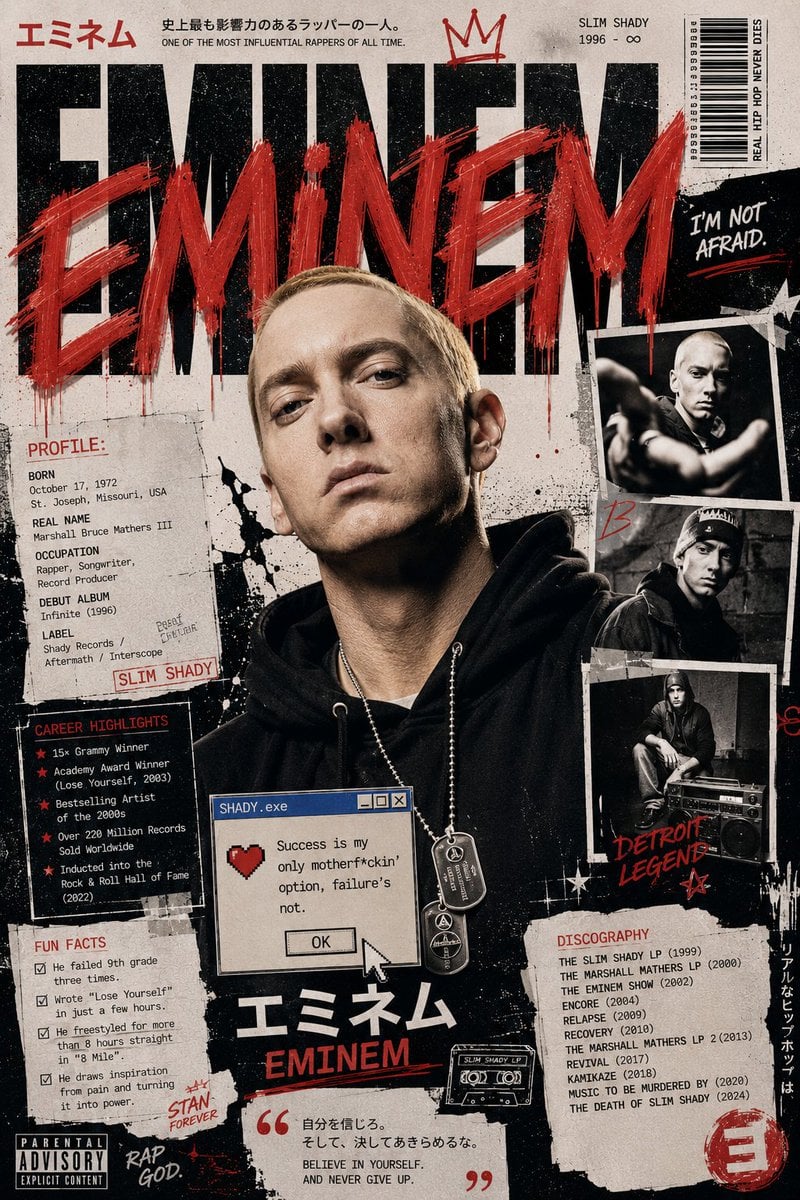
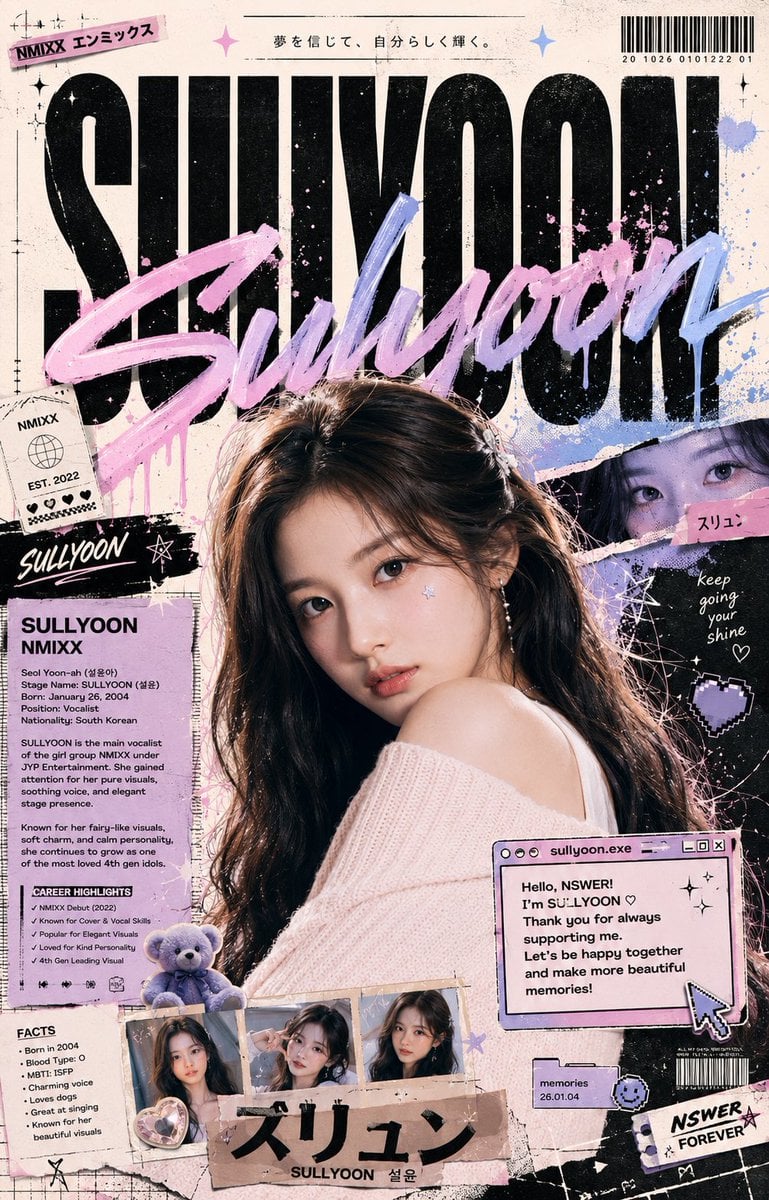
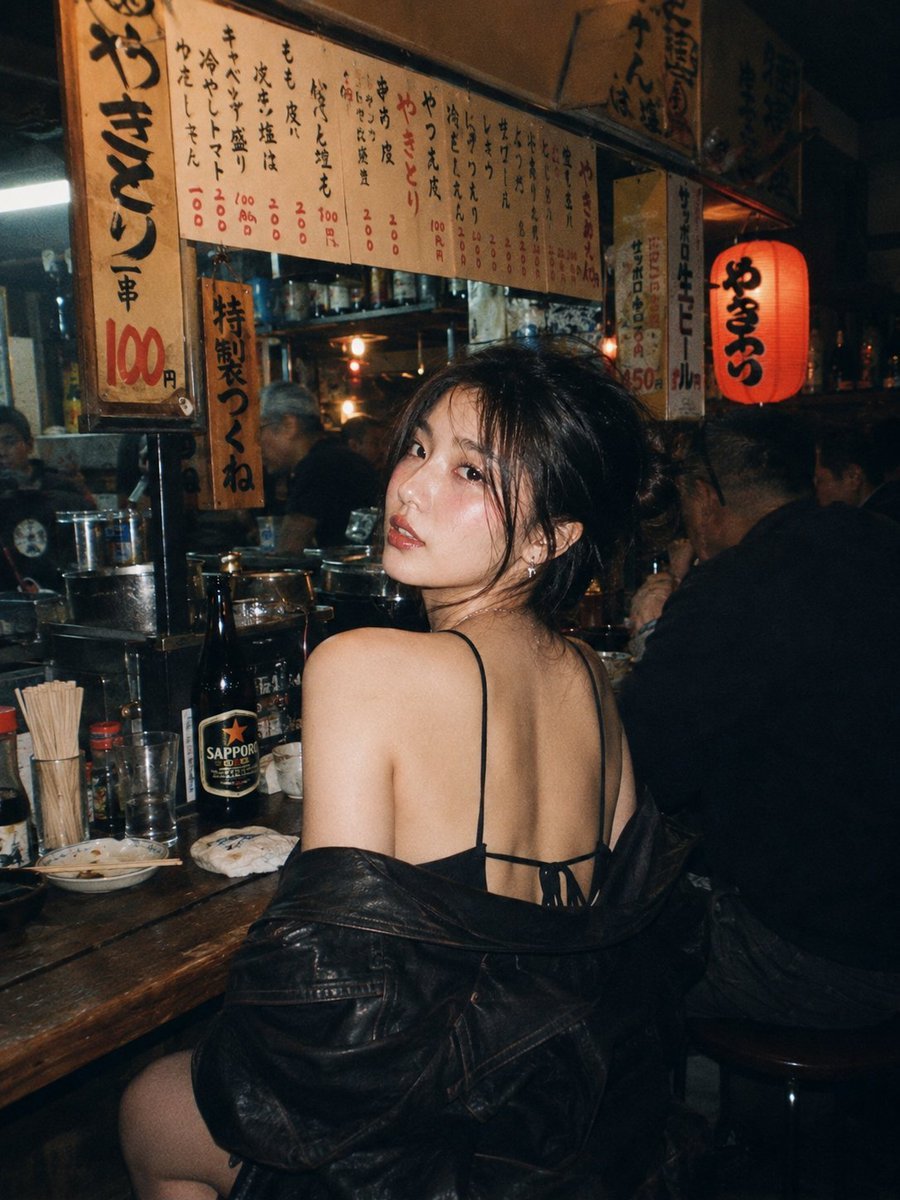
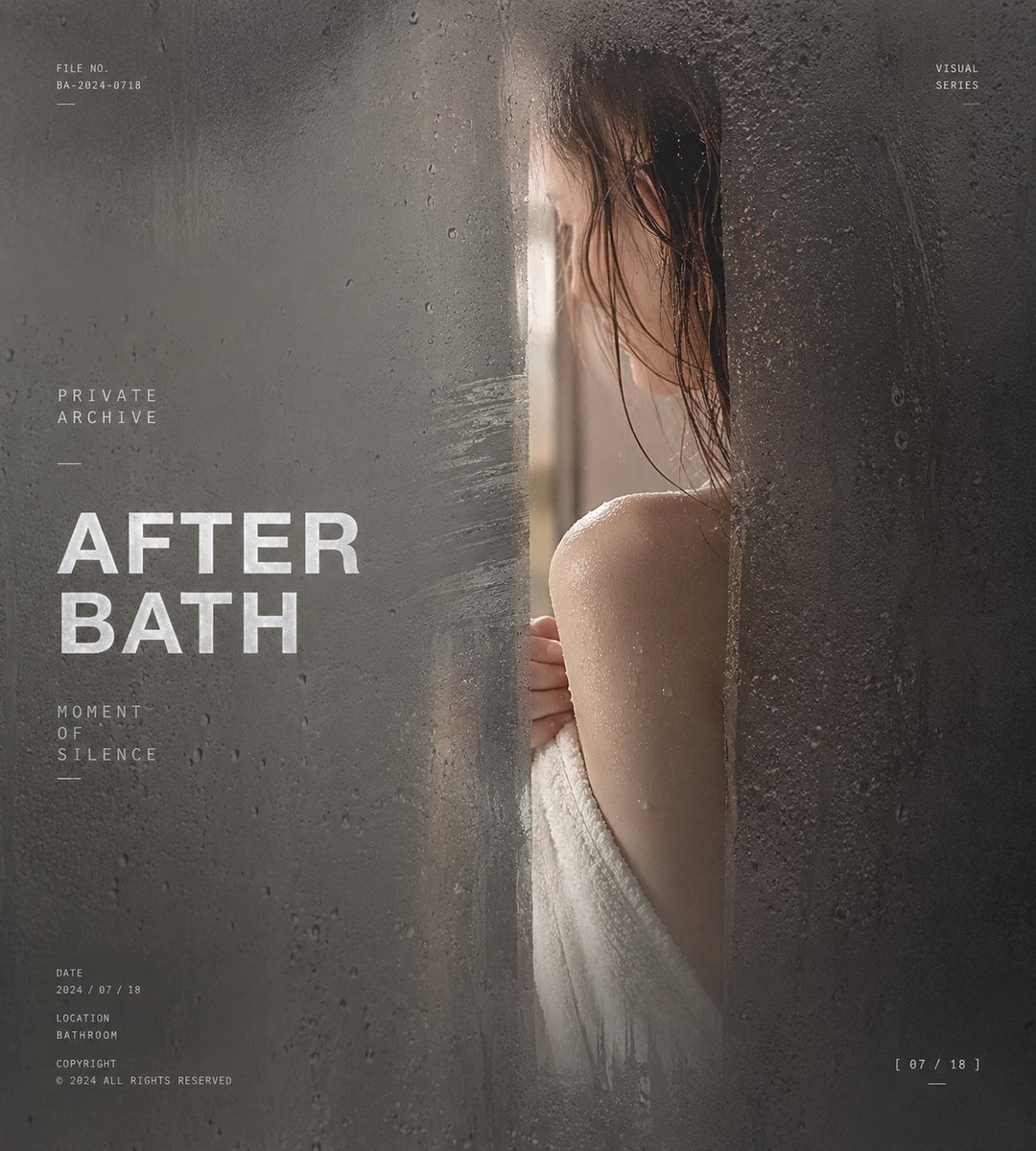
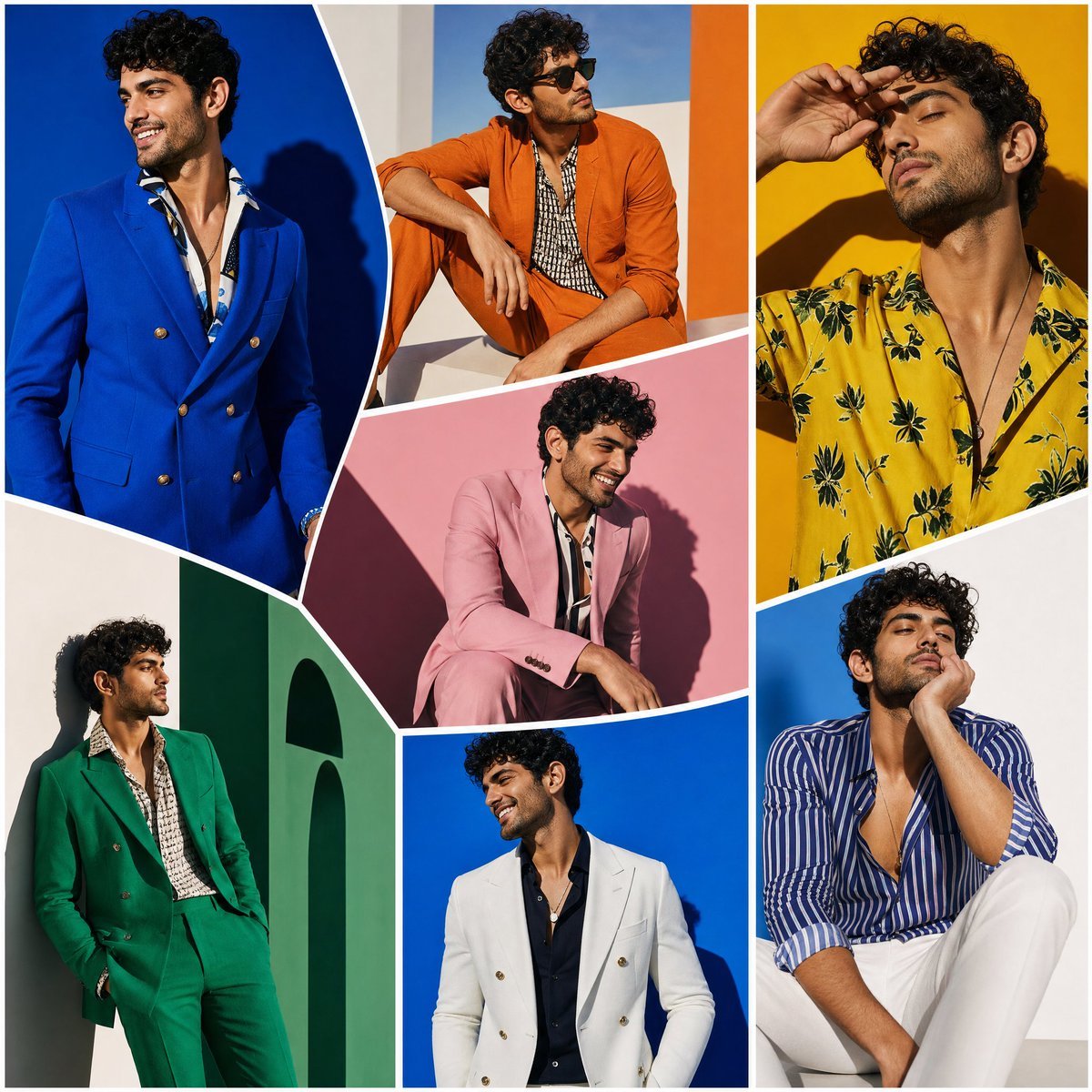
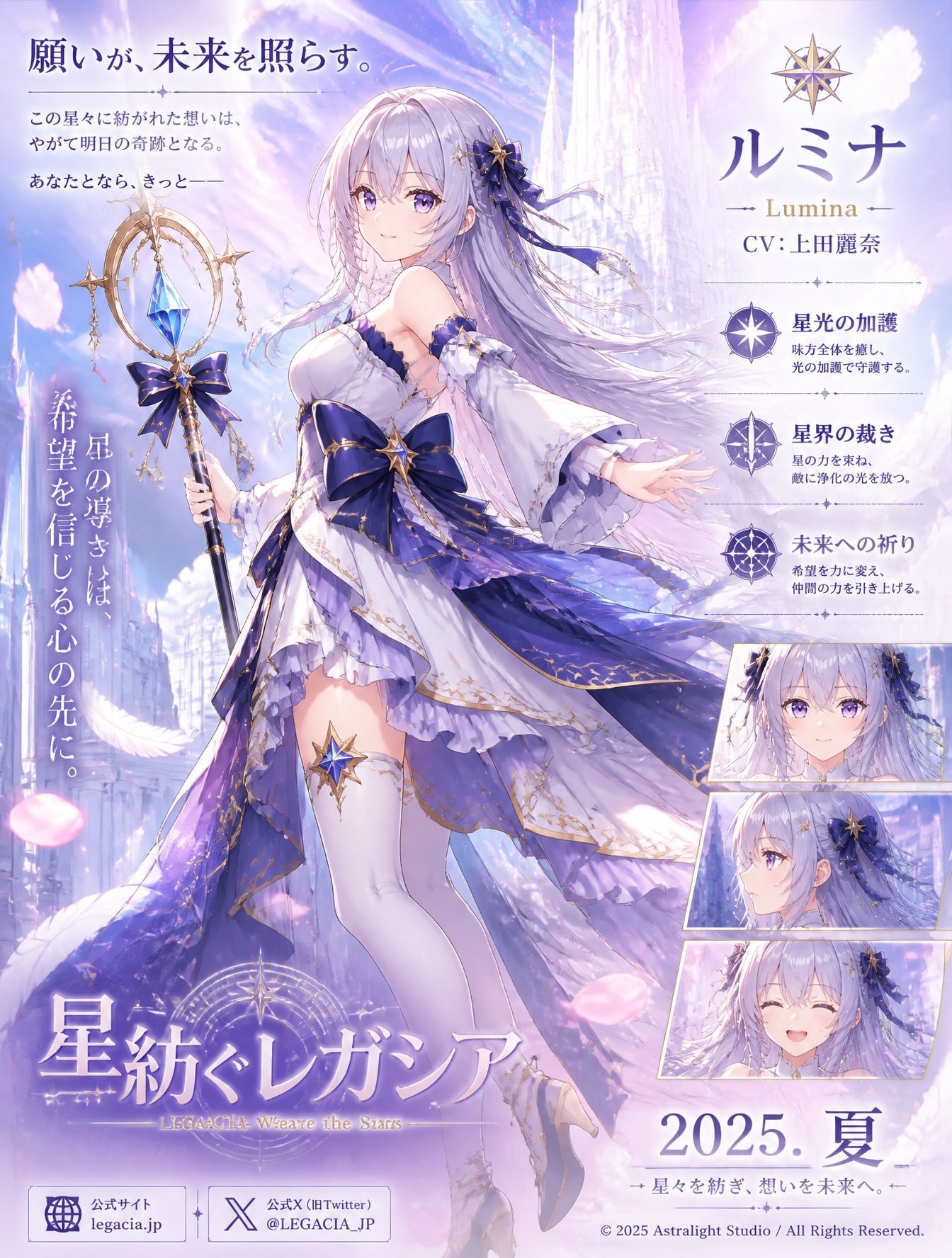
No design file, no layers — describe what you want, pick a look, and download. Every setting stays in front of you, including the credit cost, before you hit generate.
Begin with a prompt for something brand new, or upload a photo when a face, product, or layout needs to lead the result.
Name the subject, the style, the lighting, and any text you need on the image — plain language is enough. The more specific you are, the closer the first result lands.
Preview the result, check the details that matter, and save it to your workspace. The prompt rides along, so you can rerun or tweak it anytime.
It is a production tool, not a toy — photoreal renders, readable text, consistent characters, and edits driven by a single sentence. Powered by GPT Image 2.
Turn a sentence into posters, product shots, portraits, infographics, or social visuals — no template, no stock site, no starting from nothing.
Open the editorUpload a reference when the product, person, or layout has to stay true, then name the one thing to change — swap the background, restyle the outfit, recolor the scene.
Open the editorHeadlines, labels, packaging copy, signage — the editor renders real words inside the image, so you spend far less time fixing garbled type by hand.
Open the editorThe credit price shows up before you generate, and a render that fails comes straight back to your balance. Test ten directions without sweating the bill.
Open the editorFrom first draft to final asset, here is how creators, growth teams, stores, and designers put the AI image editor to work.
Spin up thumbnail options, character looks, and vertical content ideas before you touch an editor — pick the winner, skip the dead ends.
Quick answers on quality, prompting, edits, credits, and using your own photos.
Need help? Email support
Upload a photo and change it with a sentence, or create one from text. Free to start, the credit cost shown up front, and failed renders refunded — so experiment all you want.